How to Fix Tachiyomi Extensions Not Working (2026 Updated Guide)
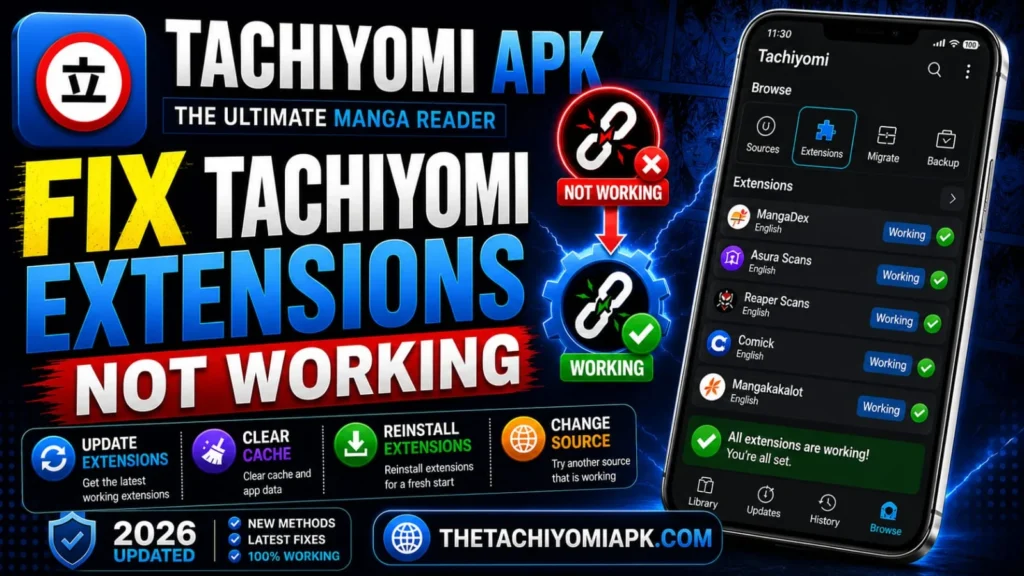
Tachiyomi APK is still one of the most popular manga reader apps, but extensions not working is now a very common issue. This started after official extension support was removed in 2024. Many users face errors such as extensions not loading, missing sources, or repositories failing to connect. These problems can break your reading experience if not fixed properly.
You can fix Tachiyomi extensions not working easily, as every solution is tested, simple, and beginner-friendly. This step-by-step 2026 complete guide will help you to solve these problems and use extensions again without any problem.
Why Do Tachiyomi Extensions Stop Working?
Tachiyomi failed to fetch extensions mainly because of broken or outdated repositories. Extensions depend on third-party manga websites, and when those sites change their structure or shut down, the extension stops working. Another reason is network restrictions or blocked connections from certain ISPs.
Quick Fixes Before Applying Advanced Solutions
Before trying Complex methods, you should apply some basic methods that fix Tachiyomi extensions not working most of the time. Simple steps like restarting the app, refreshing extensions, or updating your app to the latest version can often solve the problem without needing advanced troubleshooting steps. These quick fixes remove bugs, minor glitches, and outdated data that cause extensions to stop working properly
Fix Common Tachiyomi Extensions Issues
If quick fixes do not work, follow these advanced steps to fix Tachiyomi extensions not working. Each step targets a specific cause of the problem:
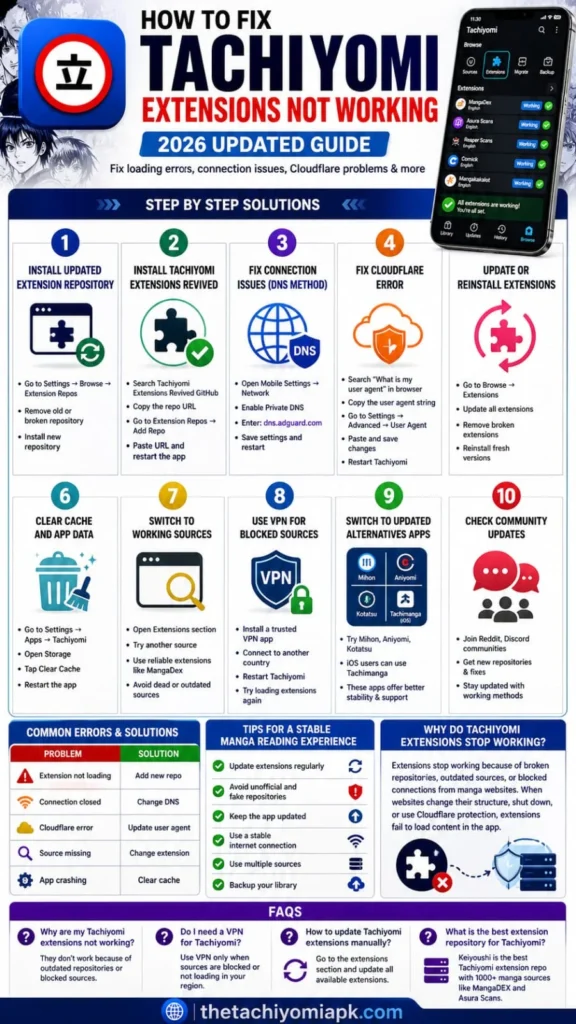
Step 1: Add a Working Extension Repository
Outdated repositories are one of the main reasons why Tachiyomi extensions stop working or fail to load sources properly. Adding a trusted and updated repository restores access to working extensions and helps fix missing source errors.
Process
- Go to Settings → Browse → Extension → Repos
- Remove any inactive or outdated repositories
- Add a trusted and updated
- Restart the app and refresh extensions
If you want the latest repository URLs and recommended sources, check our detailed guide on Tachiyomi Extensions & Repositories.
Step 2: Fix Connection Issues (DNS Method)
Sometimes Tachiyomi cannot connect to manga sources due to DNS restrictions or ISP blocking. This causes connection closed errors or sources not loading. Changing DNS fixes this for most users.
Directions
- Open Mobile Settings → Network
- Enable Private DNS
- Enter: dns.adguard.com
- Save settings and restart
Step 3: Update or Reinstall Extensions
Old or corrupted extension files cause loading errors and browsing problems. Updating or reinstalling extensions fixes these issues completely.
Follow these
- Go to Browse → Extensions
- Update all available extensions
- Remove extensions that are broken or not loading
- Reinstall fresh versions from your repository
Step 4: Clear Cache and App Data
Cache files build up over time and conflict with updated sources, preventing them from loading. Clearing the cache refreshes the app and removes unnecessary data.
Process
- Go to Phone Settings → Apps → Tachiyomi
- Open Storage
- Tap Clear Cache
- Restart the app
Step 5: Switch to Working Sources
Sometimes the problem is not the extension or repository but the manga source itself being down or removed. Switching to active and reliable sources fixes loading errors quickly.
Steps
- Open Extensions section
- Try a different source for the same manga
- Use reliable sources
- Avoid dead or outdated sources
Step 6: Use VPN For Blocked Sources
Some manga sources are restricted in certain regions. Even if everything is configured correctly, these sources will not load without a VPN. Using a trusted VPN bypasses these regional restrictions.
Directions
- Install a trusted VPN app
- Connect to another country
- Restart Tachiyomi
- Try loading extensions again
Step 7: Switch To Updated Alternatives Apps
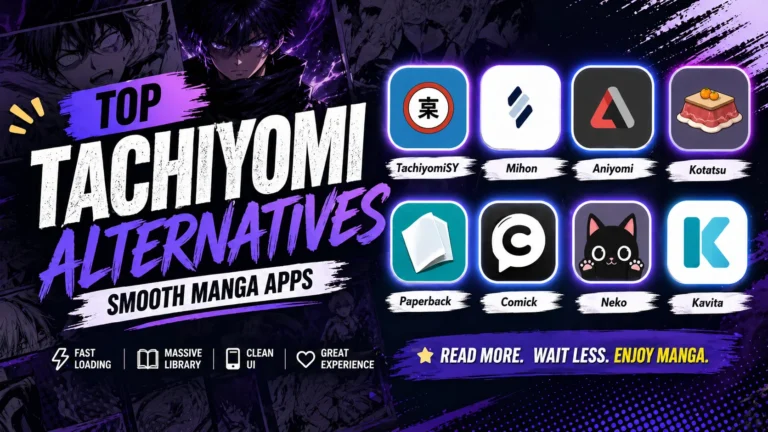
Since Tachiyomi is no longer officially maintained, some users face ongoing extension problems. Switching to active forks provides better stability, regular updates, and improved support for new sources. You can check our Tachiyomi Alternatives guide to discover the best forks and replacement apps available today. These apps look almost identical, so the transition is easy.
Step 8: Check Community updates
Many Tachiyomi extension issues are actively discussed and resolved on Reddit and Discord. Community members regularly share new repositories and quick solutions to ongoing problems. Staying connected with these platforms helps keep your extensions working.
- Follow r/Tachiyomi on Reddit
- Join the official Tachiyomi Discord server
- Search for your specific error message before posting
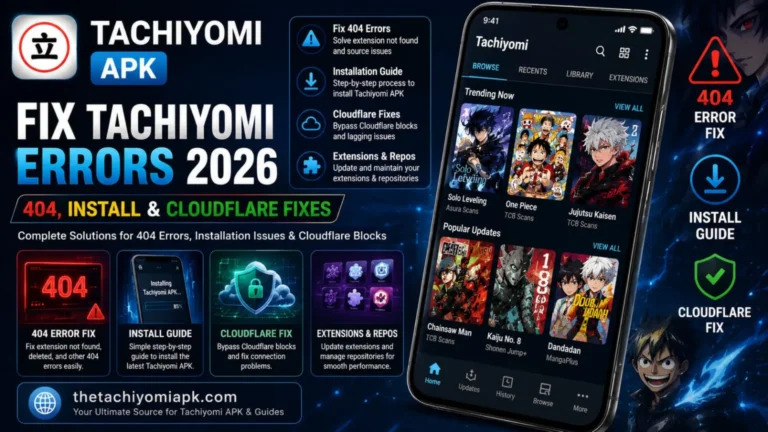
For Cloudflare bypass, 404 errors, app crashes, and install problems, read our complete guide on Fix Tachiyomi Errors fast.
Common Extension Errors and Quick Fixes
| Problem | Solution |
| Extension not loading | Add new repo |
| Connection closed | Change DNS |
| Extensions list empty | Reinstall Tachiyomi Extensions Revived |
| Source missing | Change extension |
| App shows no sources | Clear the cache and restart the app |
Tips For A Stable Manga Reading Experience
Following these habits regularly helps you avoid extension problems before they become serious:
- Update extensions regularly to get the latest source fixes
- Avoid unofficial or fake repositories
- Keep the Tachiyomi app updated to the latest build
- Use a stable internet connection when refreshing extensions
- Use multiple sources so you have a backup when one goes down
- Create regular backups of your library and settings
Final Thoughts
Tachiyomi extensions not working is a common issue, but it can be fixed easily with the right updated methods that we provided in this guide. Most problems happen because of outdated repositories, broken sources, or network restrictions. By following this guide, you can keep your app, sources, and settings updated to avoid future troubles and enjoy a smooth manga reading experience in 2026.